5 users.
One clear theme.
Before designing anything, I ran 5 moderated user interviews on UserTesting.com with existing Fidelity users. The goal was simple: watch real people try to find and use the referral program, without any guidance from me.
Every single participant struggled to find it. Not one completed the flow without hesitation. The feedback was consistent — the experience felt buried, confusing, and out of place inside an app they otherwise trusted.
"It doesn't feel intuitive — I use this app all the time and I had no idea this was even here."
A great offering
that nobody could find
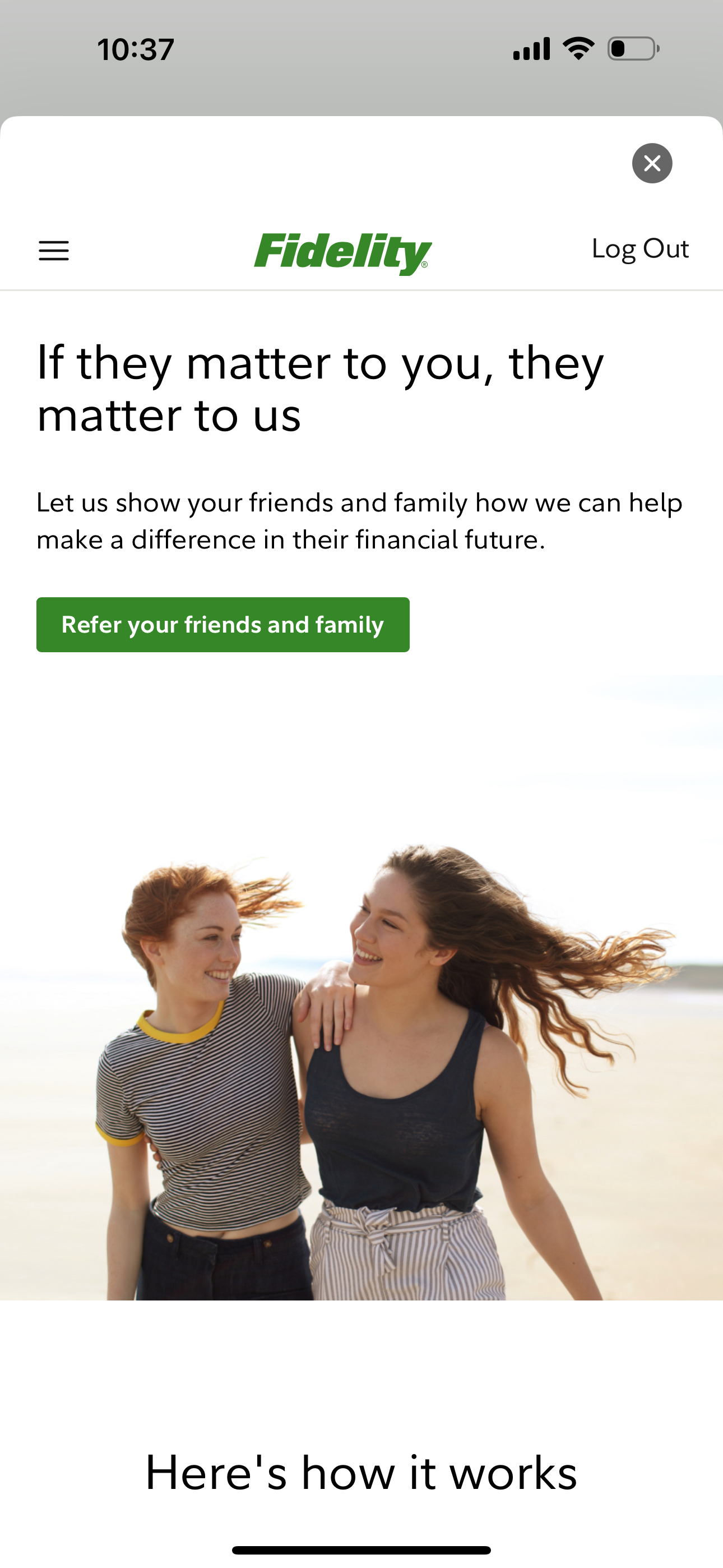
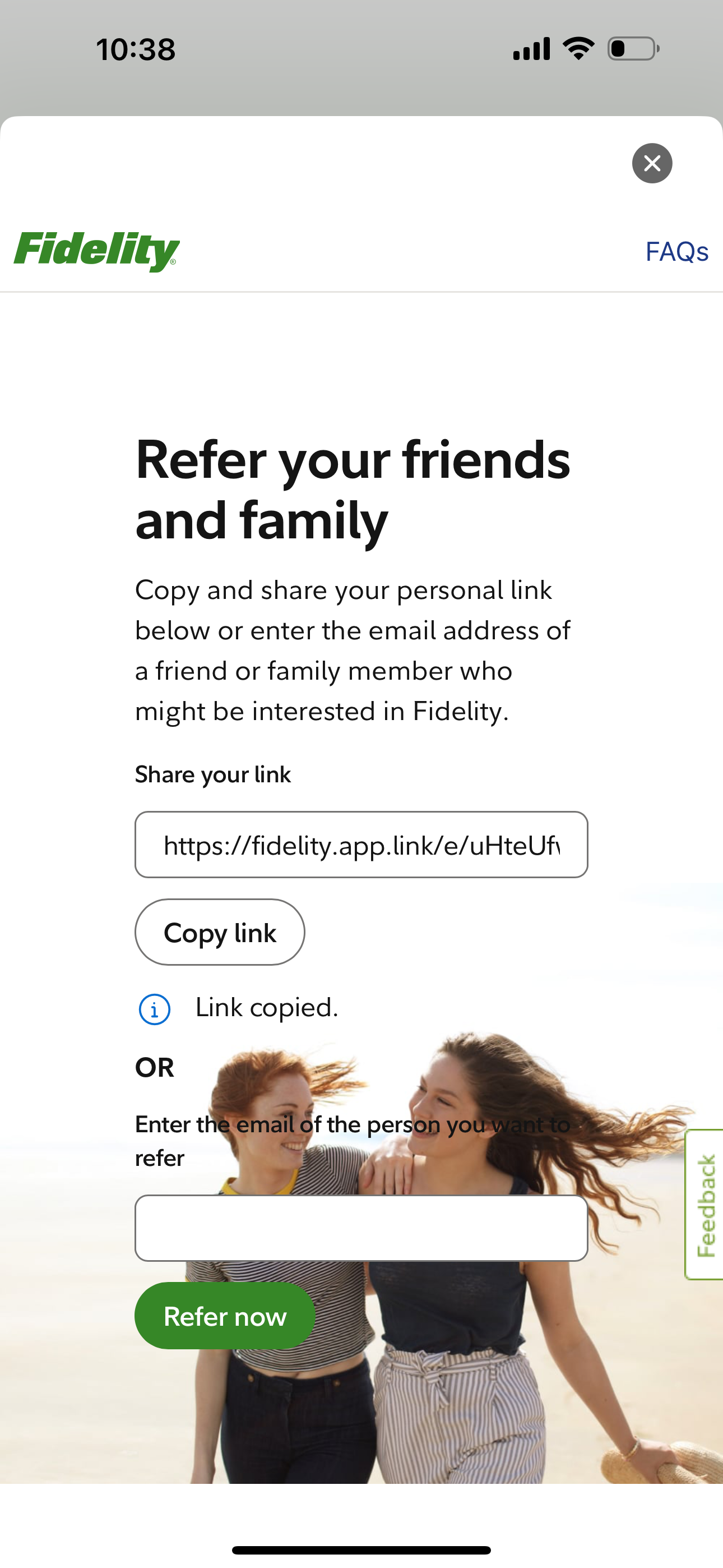
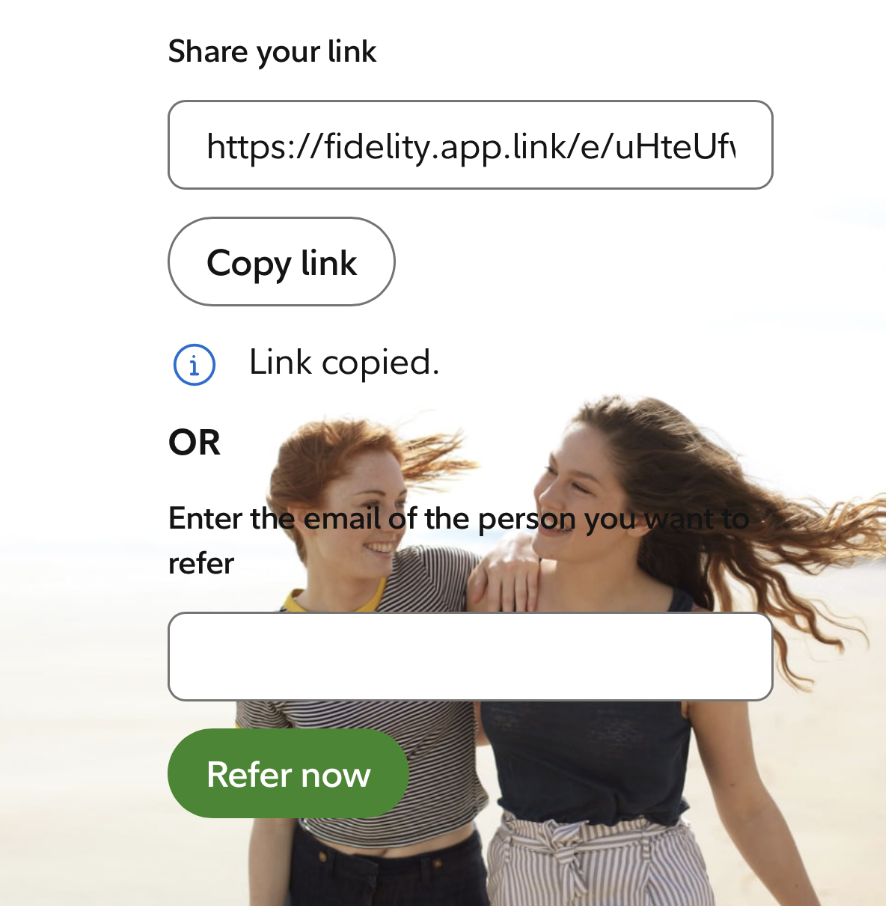
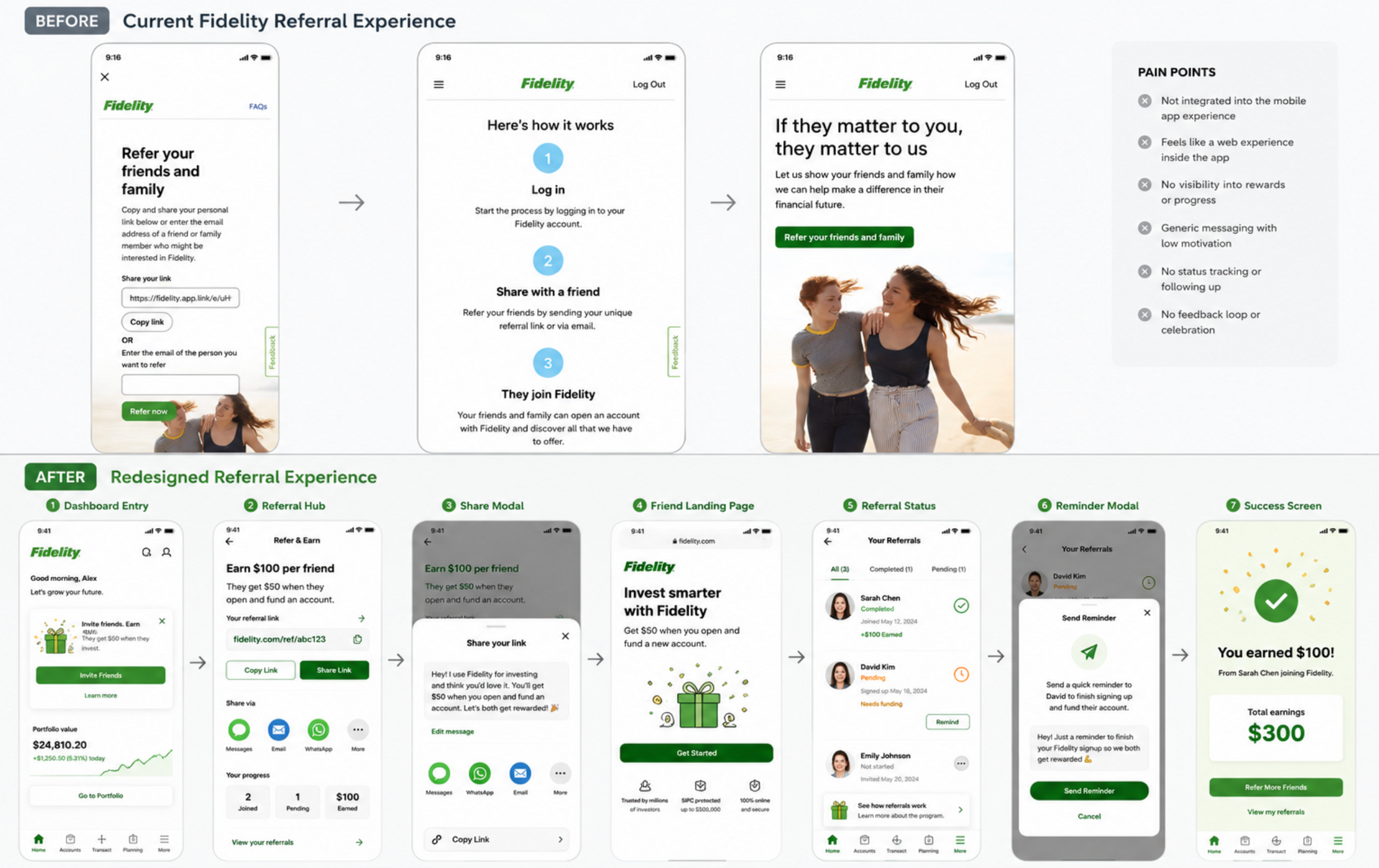
Fidelity had a referral program — but it lived outside the app, felt like a web experience bolted on, and gave users no visibility into their rewards or progress.
- Not integrated into the mobile app
- Felt like a web page inside the app
- No visibility into rewards or progress
- Generic messaging, low motivation
- No status tracking or follow-up
- No feedback loop or celebration
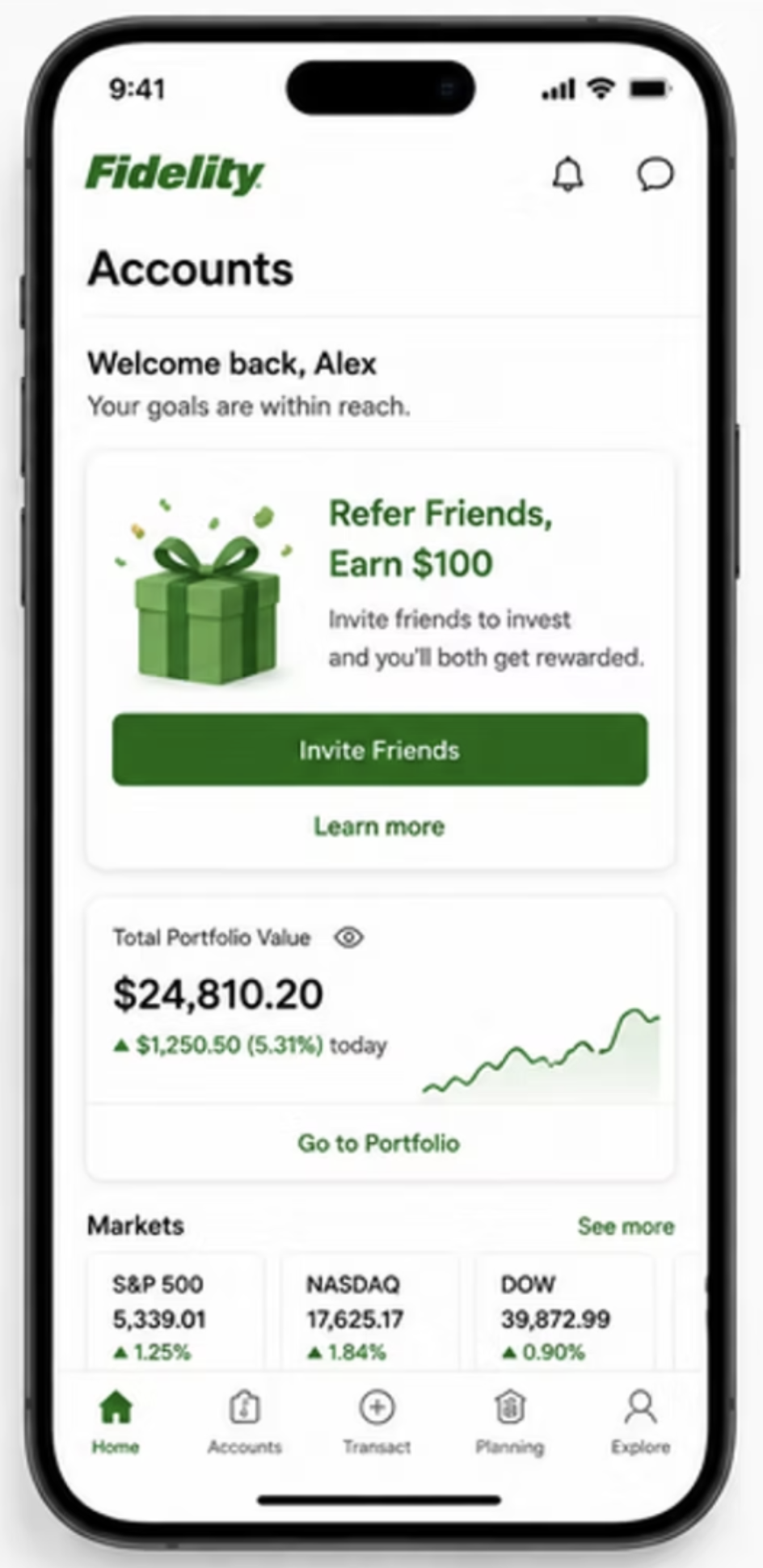
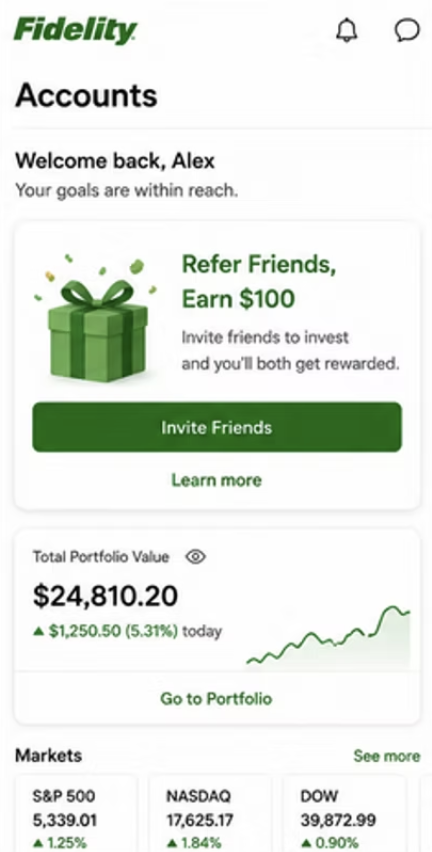
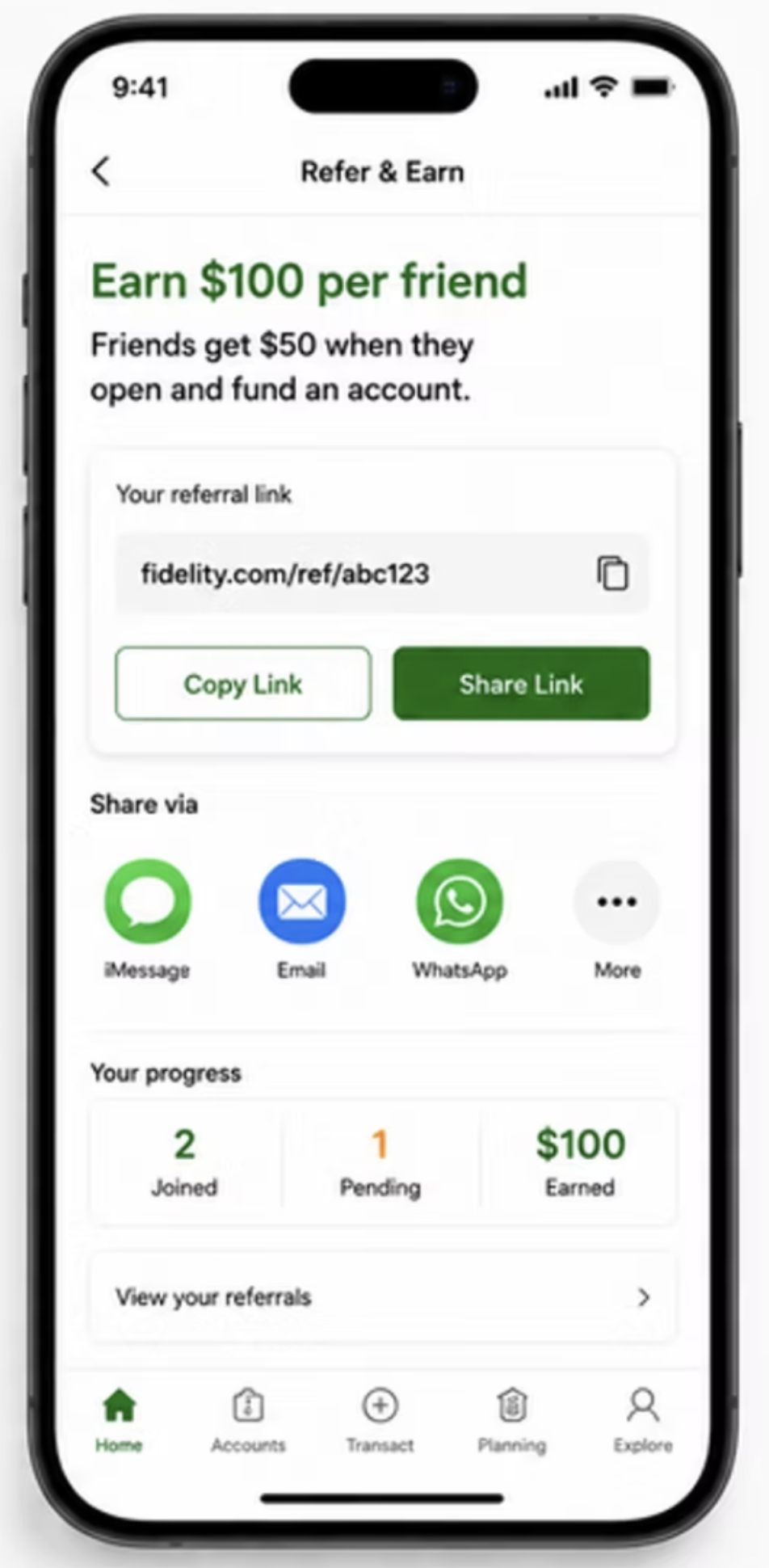
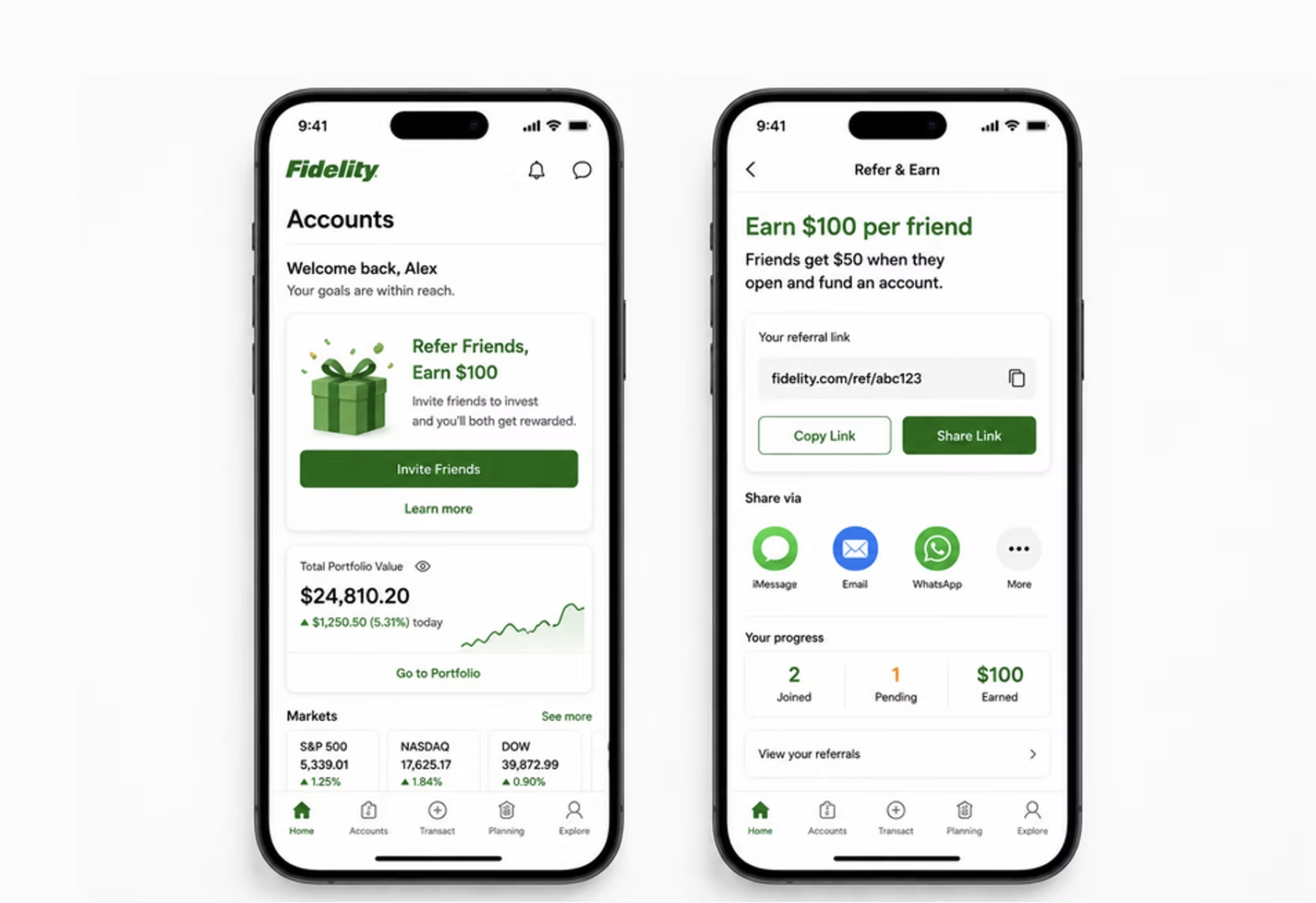
- Native app experience on dashboard
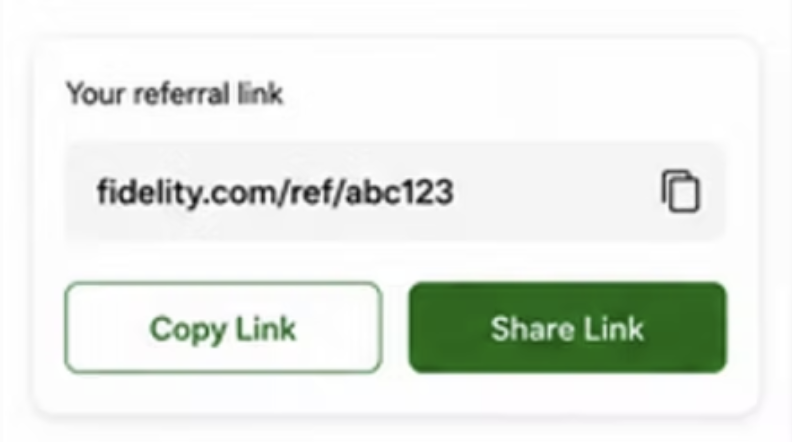
- Personal referral hub, real-time progress
- Live tracking per referral's status
- Personalized messaging users control
- Reminder flow to re-engage pending friends
- Celebration moment when reward is earned
Three changes that
changed everything
Designing for everyone,
not just the average user
Fidelity's user base spans age groups, devices, and levels of tech comfort. Three things I kept in mind throughout:
Summary first, details on demand. The referral hub leads with earnings and status count — not a wall of data. Users drill in only when they need to.
Status badges (Joined, Pending, Completed) readable at a glance. Name, status, date in a consistent row pattern — no reading required, just scanning.
CTAs live in the thumb zone. Destructive or secondary actions are harder to reach — because accidental taps on a financial app have real consequences.
7 screens.
One seamless mobile journey.
The redesigned experience starts right on the home dashboard and takes users through a fully native flow — from discovering the program, to sharing in their own voice, to tracking every referral in real time, to a celebration moment when the reward lands.
The journey, end to end
Every stage mapped across customer actions, UI touchpoints, backstage logic, and supporting policies — before and after the redesign.
Every layer, before and after
Original state — what existed before the redesign
Lane key
What guided
every decision
Feel native, not bolted on
Every screen was designed to feel like it belonged in the Fidelity app — not like a web page dropped into a mobile wrapper.
Make progress visible
Users are more motivated when they can see where they are. Status tracking and earnings summaries kept the program front of mind.
Personal beats promotional
Referrals work best when they feel like genuine recommendations. The design gave users the tools to share in their own voice.
Celebrate the win
A reward without recognition is a missed opportunity. The celebration screen turned a transaction into a moment worth remembering.